Preview on cut Back
Phone skins / Tecno
Skin for Tecno Pova 4
Your image
Create a unique skin with your photo or artwork.
Available designs
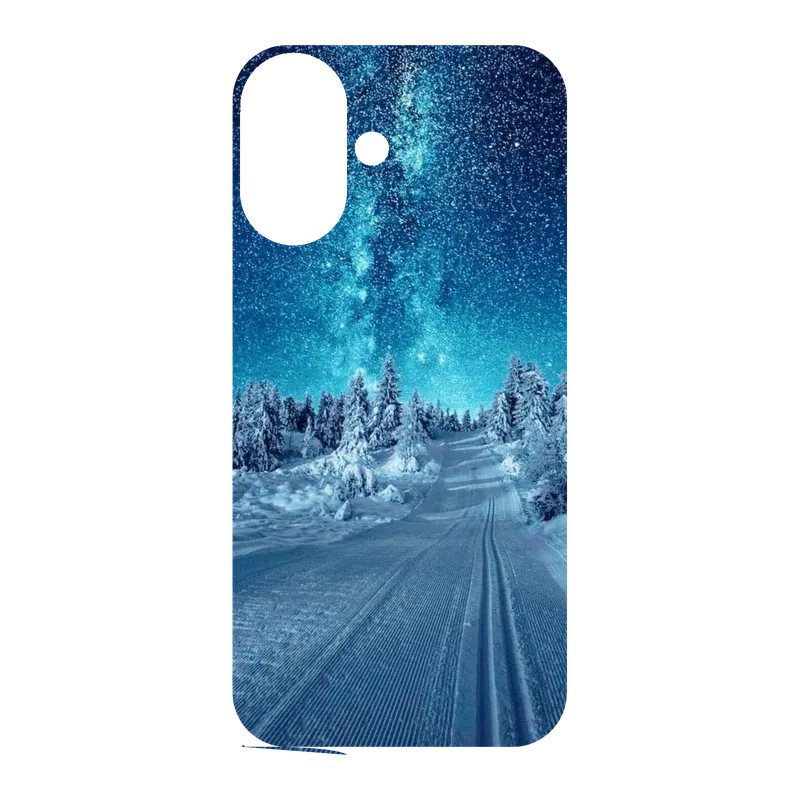
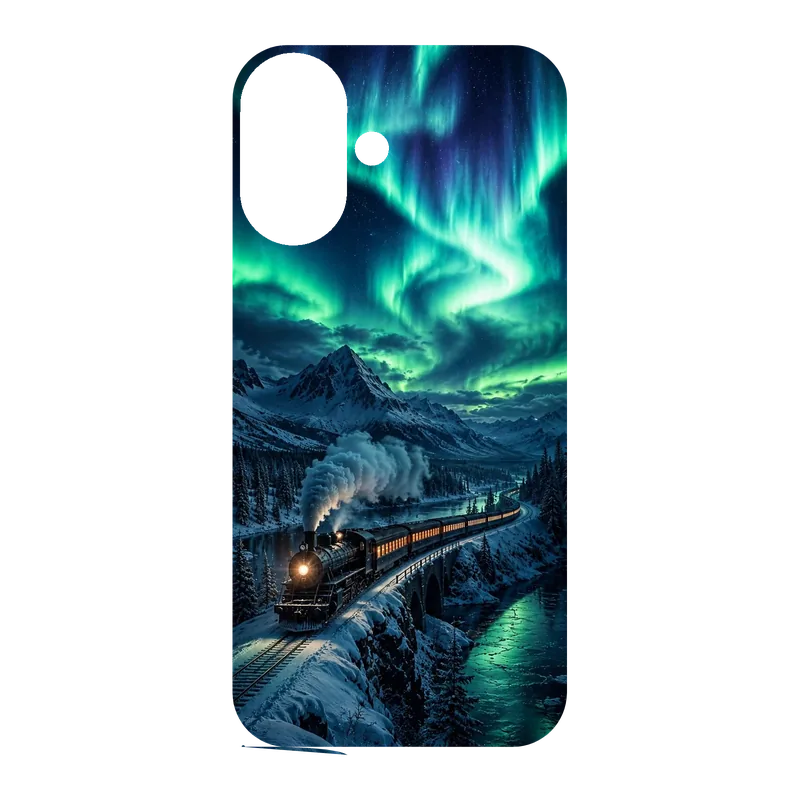
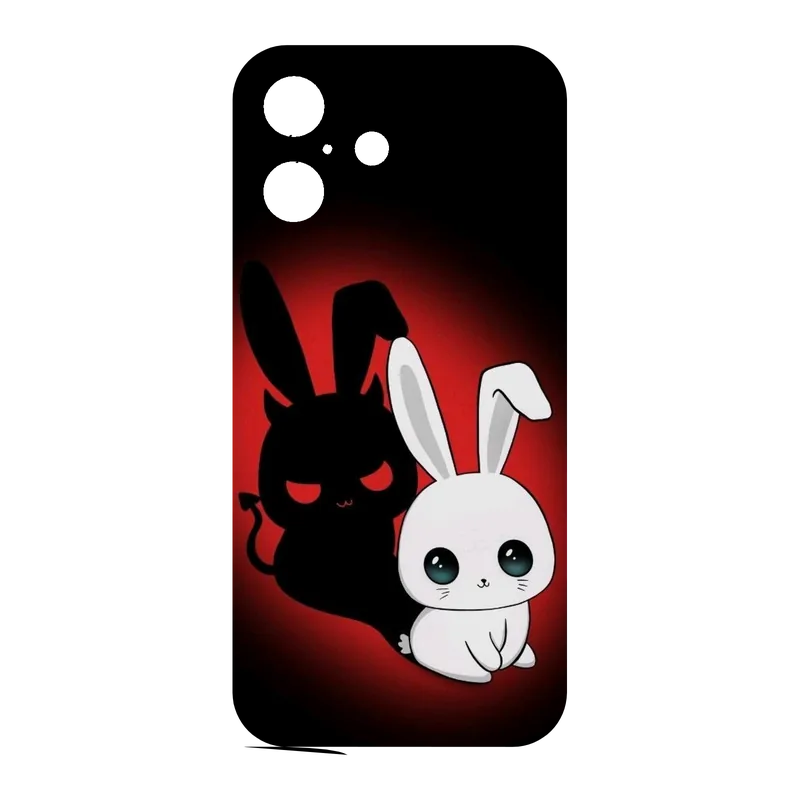
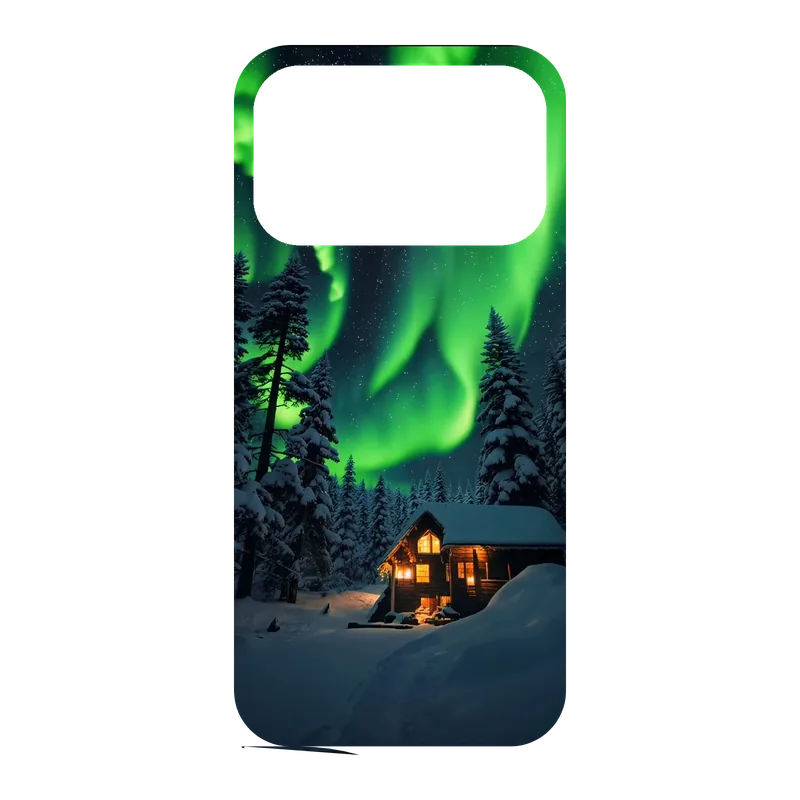
8 skinsChoose a ready-to-print skin for Pova 4.
Design cut
4 templatesPrecise cut
Give a dark and mysterious style to the back of your smartphone with this printed Haunted House Halloween skin. This skin is designed to exclusively customize the back of your phone, offering light protection against micro-scratches while enhancing its appearance. It is aimed at fans of gothic aesthetics, Halloween ambiance, or simply those looking for unique decoration for their device. The skin is made from premium quality adhesive vinyl, ensuring excellent adhesion without leaving residue upon removal. It is designed for a durability of approximately 6 to 8 years with indoor use, resisting UV rays and daily friction. Unlike die-cut decals, this skin is printed in full-color over the entire back surface of your specific phone model. Product details: - Quantity: 1 printed skin - Application: exclusively on the back of the smartphone - Customization: choose your phone model when ordering - Material: printed premium adhesive vinyl - Finish: matte - Surface: smooth back of the smartphone (glass or plastic) - The phone is not included For a perfect application: ensure the back surface of your phone is clean, dry, and free of grease. Carefully align the skin, starting from one edge, and press progressively while removing air bubbles with a squeegee or a soft card from the center towards the edges. Looking for a specific size for a model not listed? Don't hesitate to contact me. Unofficial product: independent creation, not licensed, not manufactured, approved, or sponsored by the mentioned smartphone manufacturers. Phone brands belong to their respective owners.
View the full skin pageAbout Printed skin for smartphone back Haunted House Halloween - Customize your phone
Customize your skin with your image in the studio, or choose a design and cut here.
Change phoneHow do you apply your skin?
- Step 1: turn off your phone, clean its back and remove dust.
- Step 2: peel back only the top 2 to 3 cm of the backing.
- Step 3: align the skin with the camera module and top edges.
- Step 4: remove the backing gradually and smooth air out from the center.
- Step 5: gently warm the edges and corners, then press them down.
Explore
More skins for Pova 4
Find your model